
AGD Angie 9 Character Morph for G9
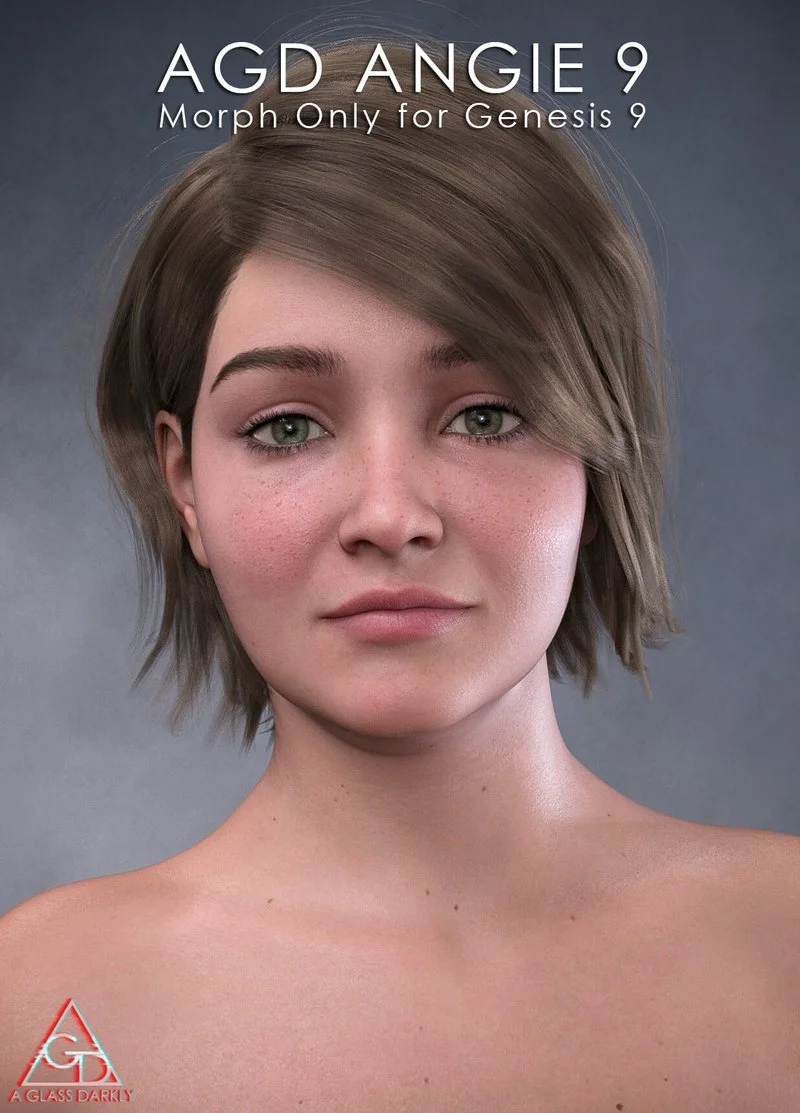
AGD Angie is a beautiful, fuller figured young woman character for G9. This model has been converted from an earlier Genesis 8 figure of mine for those who prefer to work with G9 characters.
*If you prefer the G8/8.1 version with a full material set, you can find it here: agd-angie-for-g88-1f
Although she often feels lost in the crowd, Angie has a lot to offer. Behind her nervous smile lurks a clever spirit and fun loving personality. She's a jewels that is often over looked but her strength lies in her ability to fit into any scene with anyone.
AGD Angie head and body were sculpted in Zbrush with care and attention to detail. Angie is slightly asymmetrical in several areas to enhance realism.
*This is a morph set only, no materials included. I've rendered out some promo's using base G9 skin.*
What she comes with
-Separated head and body morphs for easy customization
-Fast loading character presets
-Easy Add/Remove head and body presets
*installation- Simply copy the folders (drag and drop) into your "My Library" folder.
*if you have any issues, or questions, comments, or suggestions, please feel free to contact me. I try to respond as quickly as possible.
*if you like this product please leave a rating on the product page, this helps me out a great deal.
*you can find all morphs in the parameters tab by searching "AGD Angie 9"
***Textures used in Promo Renders : Genesis 9 Base female skin mats 1
***Hair Used: Onieda Hair, Uerica Hair
*This product was tested in Daz 4.22
*Not tested on Mac or Poser
*No Textures, hair, clothing or accessories included. Morphs Only.
Home Page: https://www.renderhub.com/aglassdarkly/agd-angie-9-character-morph-for-g9
Free Download Links:

Ctrl
Enter
Noticed a misTake
Highlight text and press Ctrl+EnterRelated news:
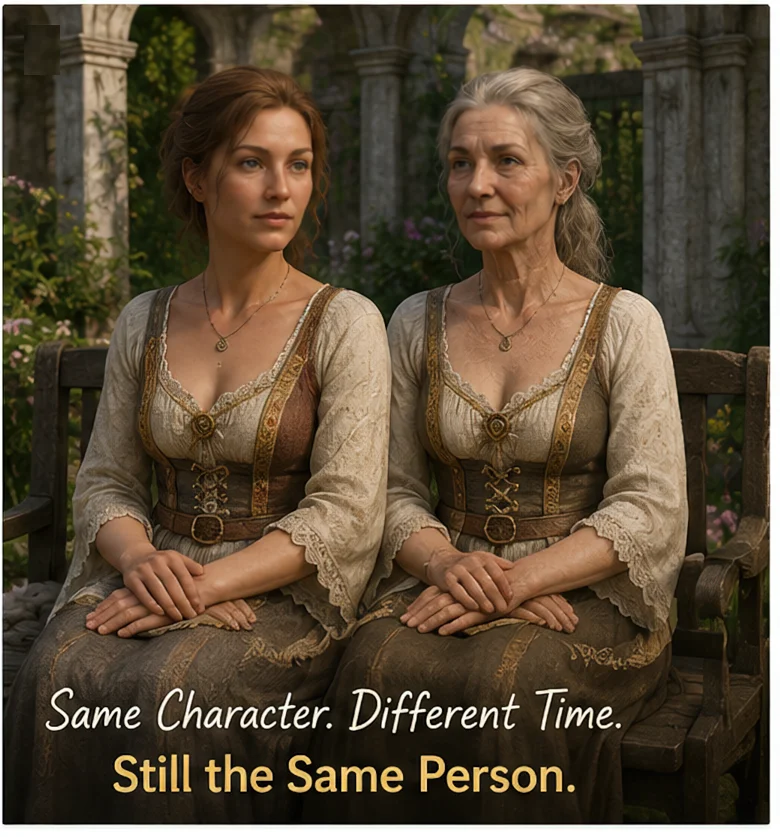
Can a Character Age Without Losing Their Identity? Building a Reversible Aging System in DAZ Studio
Secrets of Photorealistic Skin Rendering in DAZ Studio and Poser: Achieving the "Lifelike Skin" Effect with Modern Shaders
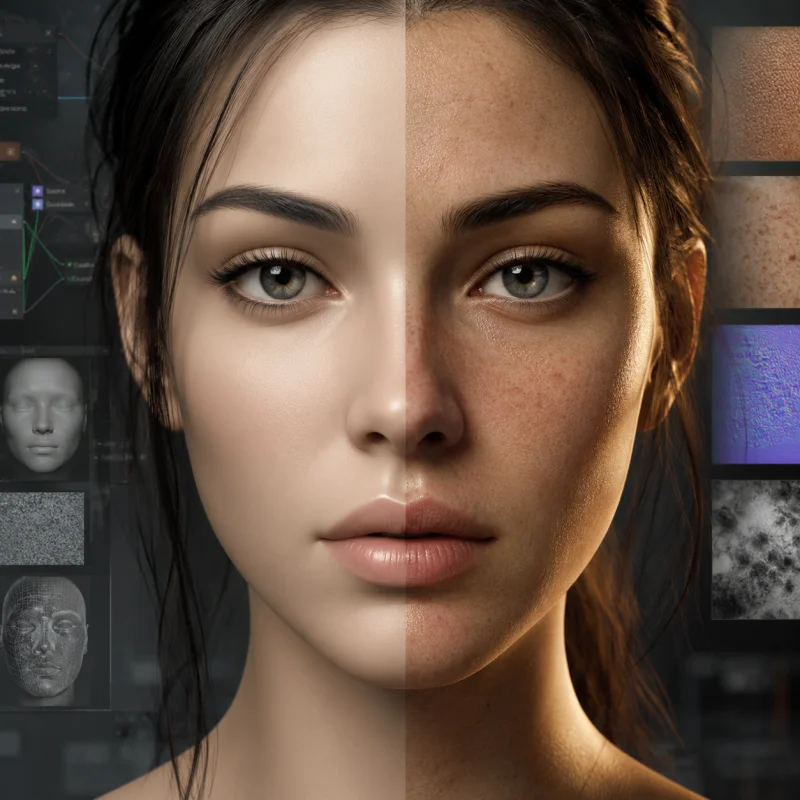
The Hidden Cost of Perfect Skin: Designing Micro-Imperfections for Believable DAZ and Poser Characters
Advanced Texturing Techniques in DAZ Studio and Poser
Creating Environments in DAZ Studio: How to Use HDRI and 3D Models to Build Atmospheric Scenes
Creating Photorealistic Portraits in DAZ Studio and Poser
Comments (0)