
Lighting Studio for DAZ 4 and 6
Now you can easily change lighting in the scene without clicking and dragging every slider in DAZ. Yeah, youuu…
For the features, you can save and load presets, change light settings, adjust multiple lights at once, use custom HDRIs easily from your hard drive, and there’s a Favorites section too… etc, etc.
Test it out and use this panel only. Don’t go to the light settings on the side. You’ll need a minute to adjust to this, okie? Trust me, if you try it for a few minutes, you’re gonna love it. Don’t think about the old DAZ sliders…
Home Page: https://www.renderhub.com/sokurabbit/lighting-studio
Free Download Links:

Ctrl
Enter
Noticed a misTake
Highlight text and press Ctrl+EnterRelated news:
Creating and Adjusting Lighting for Atmospheric 3D Scenes in DAZ Studio and Poser
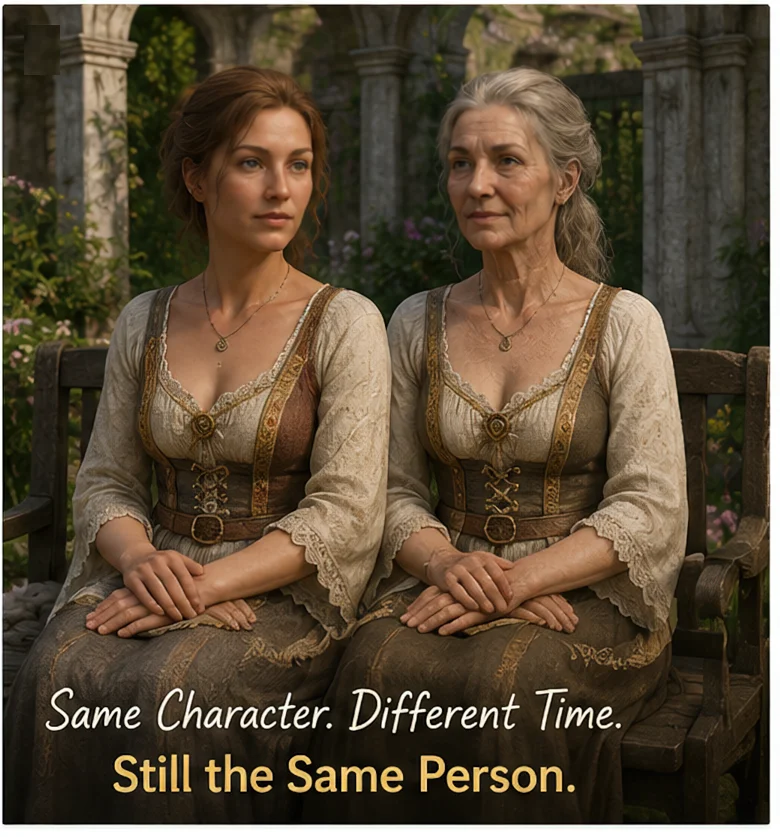
Can a Character Age Without Losing Their Identity? Building a Reversible Aging System in DAZ Studio
Creating Environments in DAZ Studio: How to Use HDRI and 3D Models to Build Atmospheric Scenes
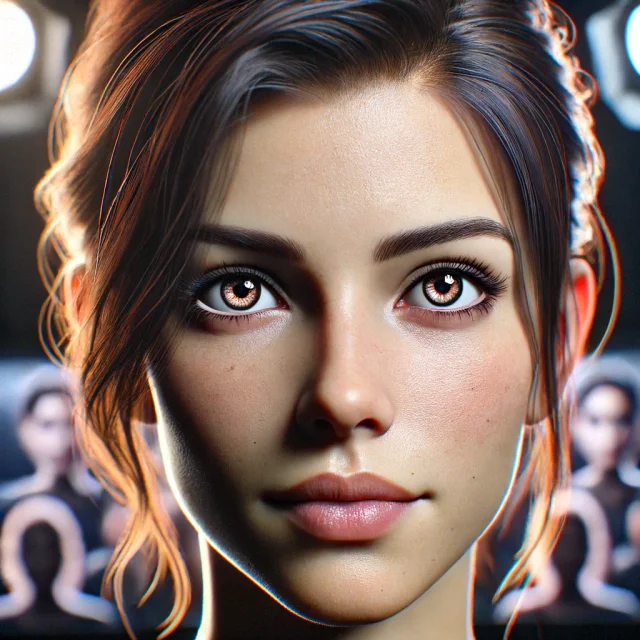
Creating Photorealistic Portraits in DAZ Studio and Poser
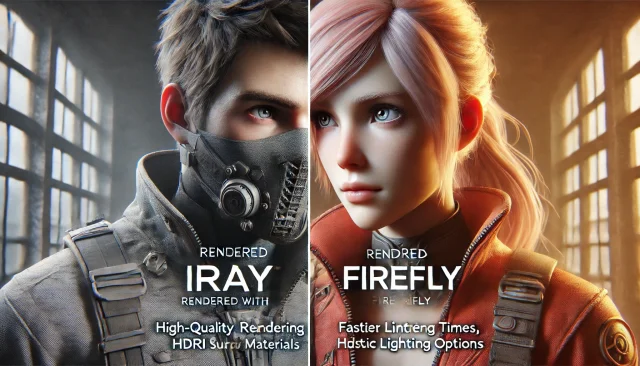
Using Iray and Firefly for Rendering in DAZ Studio and Poser
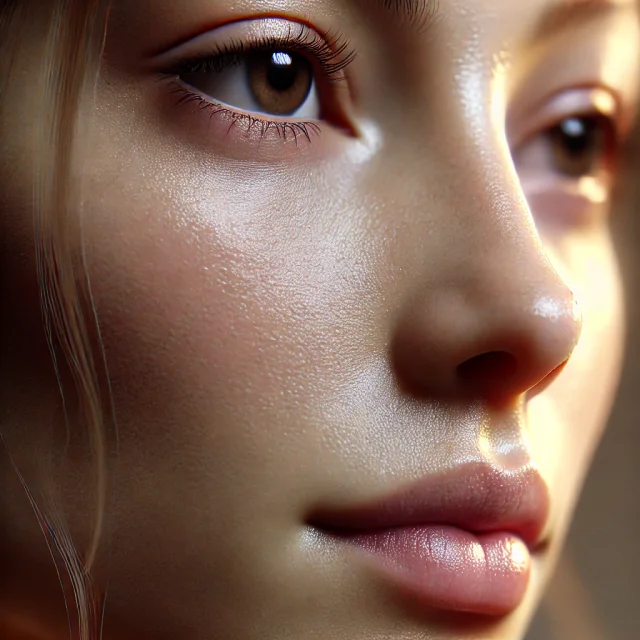
Secrets of Photorealistic Skin Rendering in DAZ Studio and Poser: Achieving the "Lifelike Skin" Effect with Modern Shaders
Comments (0)