
Urban Blocks for DAZ
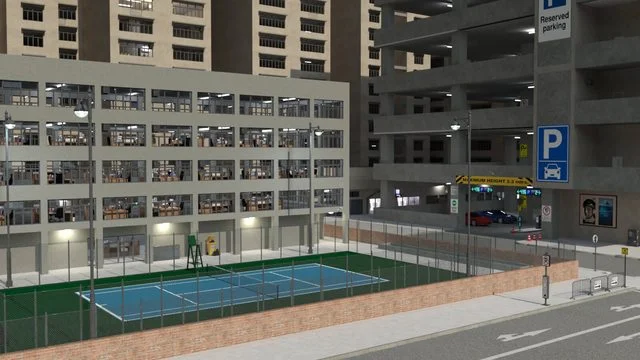
This is the first edition to my modular city blocks. I have included 2 city blocks each with its own unique design. The blocks can be fitted together by aligning the middle strip on the streets. By rotating each block you can have a combination of 16 different views.
The Traffic lights can be changed from red, amber and green by using the opacity dial in the surfaces TAB.
For a more realistic scene I have included 2 apartment interiors and office furniture to populate the interiors of the buildings. All the lighting can be altered through the surfaces TAB to meet your requirements. Both of these interiors have been instanced to reduce load on the renders.
Great for both daytime and nighttime renders, your city is ready to explore.
https://www.renderhub.com/shredder/urban-blocks-for-daz
Free Download Links:
Ctrl
Enter
Noticed a misTake
Highlight text and press Ctrl+EnterRelated news:
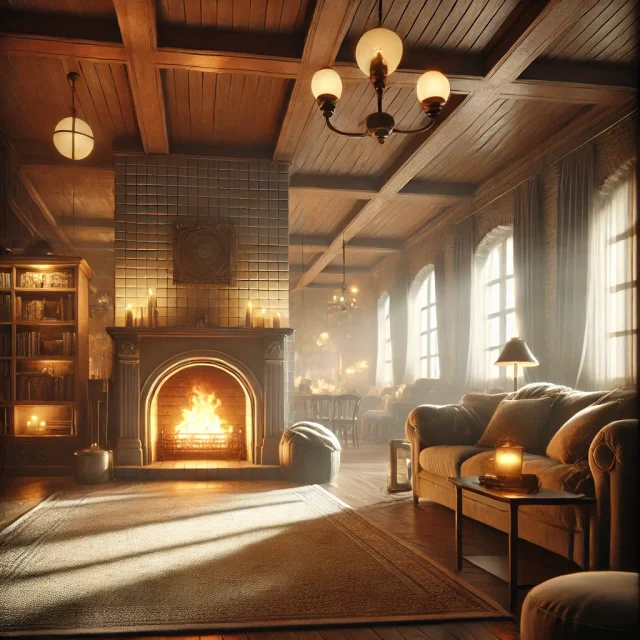
Creating and Adjusting Lighting for Atmospheric 3D Scenes in DAZ Studio and Poser
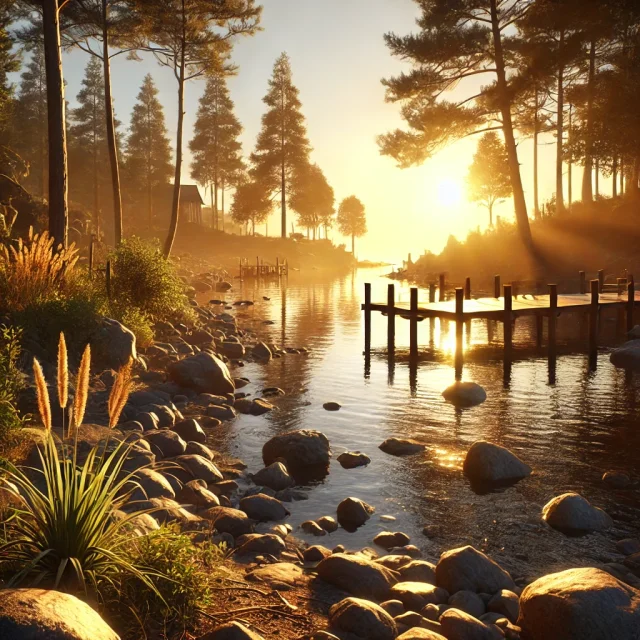
Creating Environments in DAZ Studio: How to Use HDRI and 3D Models to Build Atmospheric Scenes
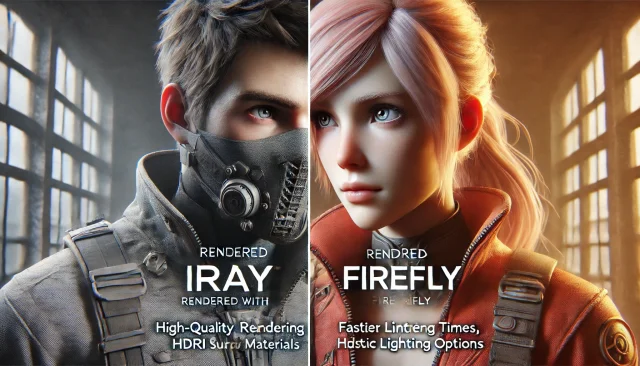
Using Iray and Firefly for Rendering in DAZ Studio and Poser

How to create environments for 3D scenes in DAZ Studio and Poser: general guidelines
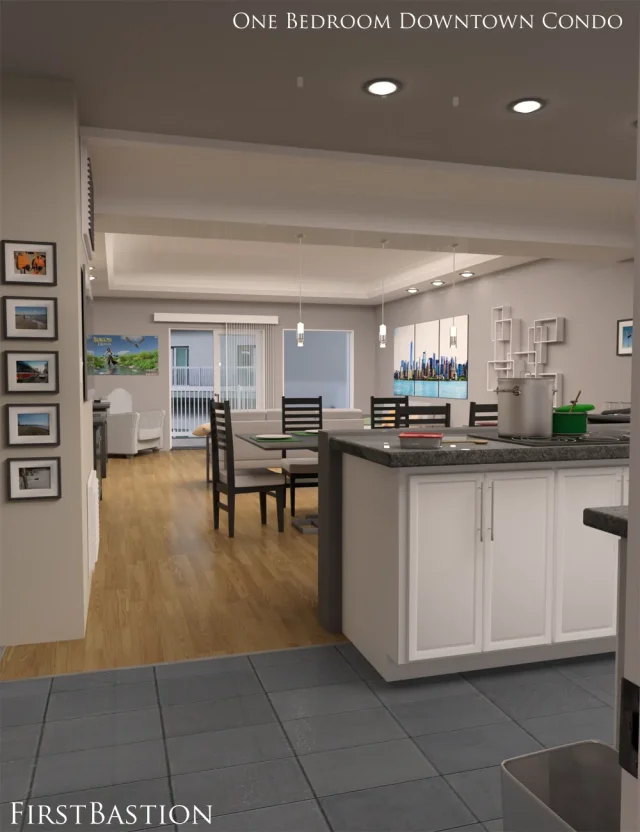
1stB One Bedroom Downtown Condo Apartment

V3D FilaToon Converter, Manager and Tools
Comments (0)