
TX Candy Vivienne Premium PACK G9/8/8.1

TX Candy Vivienne is a child character designed with a 100% family-friendly approach, created for storytelling, narrative illustration, and everyday scenes filled with tenderness and realism. She is the child version of TX Vivienne, a character inspired by the timeless beauty of the 1950s, bringing that classic aesthetic into a softer, innocent stage of life.
Visually, Vivienne conveys sweetness, innocence, and delicacy. Her face is soft and expressive, with slightly rosy cheeks and a calm gaze that works perfectly for both joyful scenes and more introspective moments. Her skin is carefully crafted, with multiple tone options and a natural level of detail that avoids any exaggeration.
One of her most distinctive features is her freckles, subtly and realistically distributed across the face and body, with an ON/OFF option that allows her appearance to be adjusted depending on the story or render lighting. Her anatomy is safe and accurate, specifically designed to meet family-friendly storytelling standards.
Vivienne looks especially good with tied-up hairstyles, ponytails, or classic children’s styles, and her clothing fits naturally into environments such as bedrooms, play scenes, domestic settings, or childhood memories. Her silhouette is well-proportioned, with delicate hands and feet that reinforce her polished and coherent look.
TX Candy Vivienne marks a milestone as the first child character in the TX line, created for artists who seek quality, sensitivity, and respect in their renders. She serves as a solid foundation for telling sincere, emotional, and visually clean stories.
Realistic, safe, and full of charm.
Home Page: https://www.renderhub.com/tri-x/tx-candy-vivienne-premium-pack-g9-8-8-1
Free Download Links:

Ctrl
Enter
Noticed a misTake
Highlight text and press Ctrl+EnterRelated news:
Secrets of Photorealistic Skin Rendering in DAZ Studio and Poser: Achieving the "Lifelike Skin" Effect with Modern Shaders
Can a Character Age Without Losing Their Identity? Building a Reversible Aging System in DAZ Studio
Creating and Adjusting Lighting for Atmospheric 3D Scenes in DAZ Studio and Poser
Creating Environments in DAZ Studio: How to Use HDRI and 3D Models to Build Atmospheric Scenes
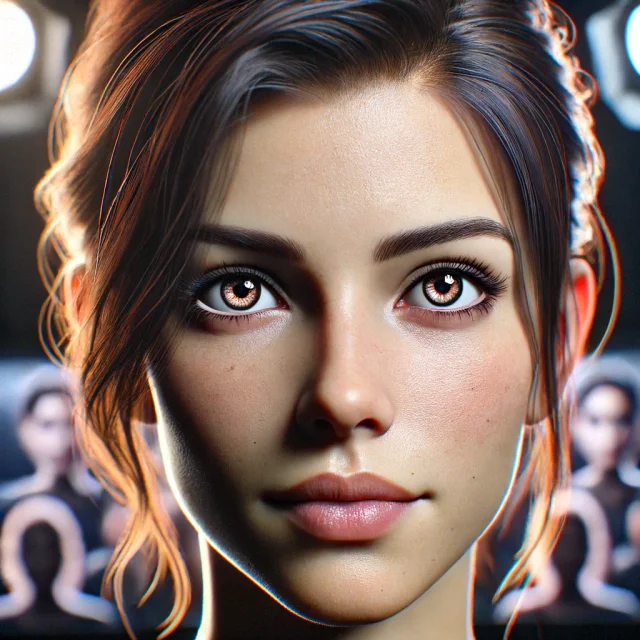
Creating Photorealistic Portraits in DAZ Studio and Poser
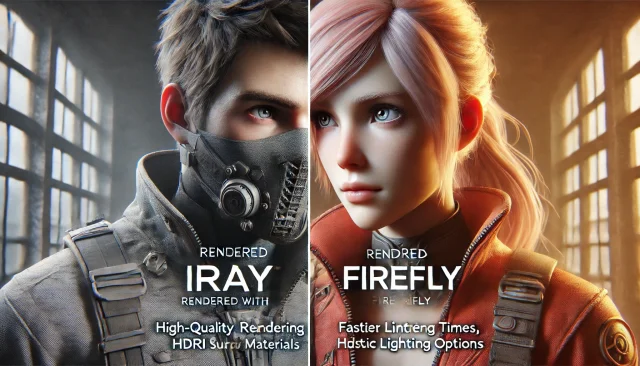
Using Iray and Firefly for Rendering in DAZ Studio and Poser
Comments (0)