
BJ Shelf Plugin
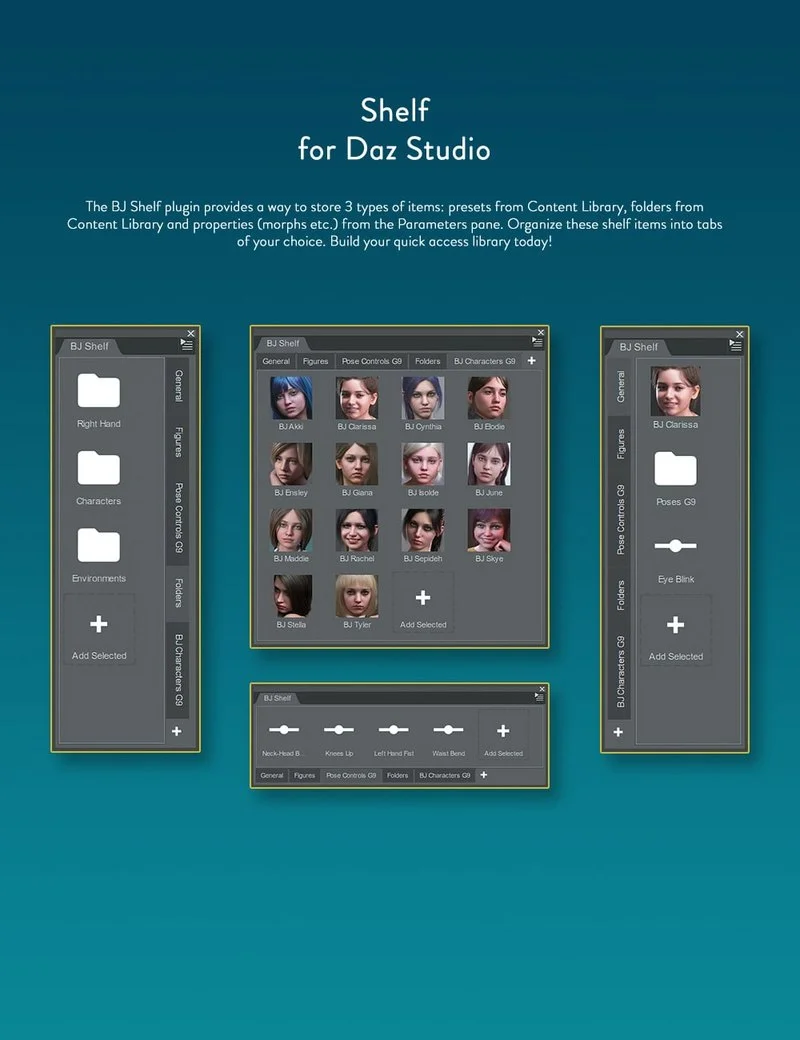
The BJ Shelf plugin provides a way to store three types of items: presets from the Content Library, folders from the Content Library, and properties (morphs, etc.) from the Parameters pane. You can organize these shelf items into tabs of your choice.
Preset shelf items load the preset with a click (Ctrl-click navigates to the folder containing the preset). Folder shelf items open the corresponding folder in the Content Library. Property shelf items are automatically linked to the property in the Parameters pane. Drag and drop make it easy to add, move, or reorder shelf items.
Tabs can be aligned on any side of the interface. Shelf items flow freely within the available space, allowing you to dock the plugin anywhere and choose between a horizontal or vertical layout.
Build your quick-access library today!
Home Page: https://www.daz3d.com/bj-shelf-plugin
Free Download Links:

Ctrl
Enter
Noticed a misTake
Highlight text and press Ctrl+EnterRelated news:

Top Character Animation Tools in 2024
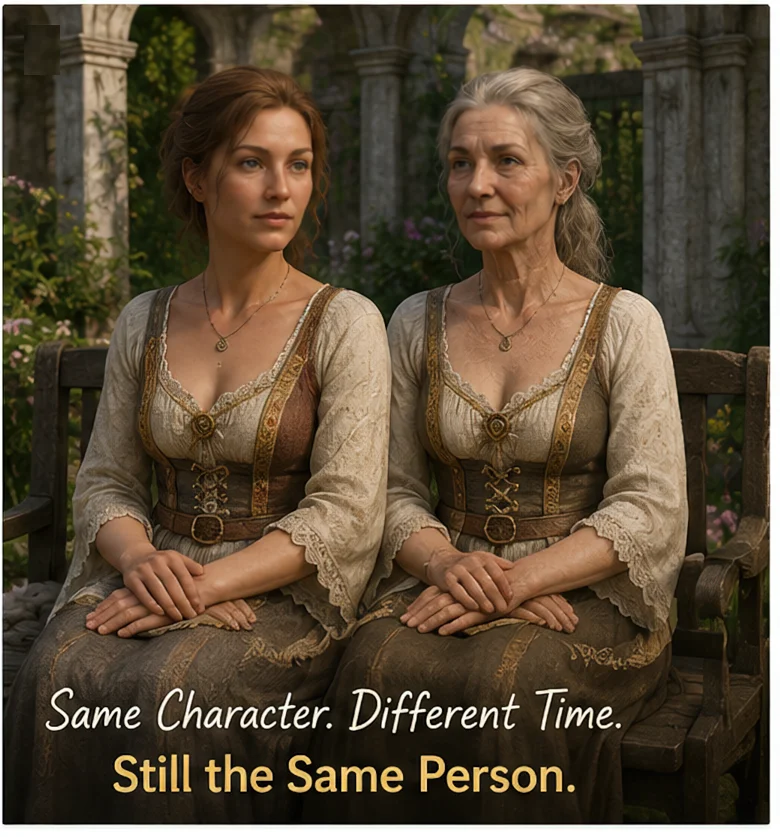
Can a Character Age Without Losing Their Identity? Building a Reversible Aging System in DAZ Studio
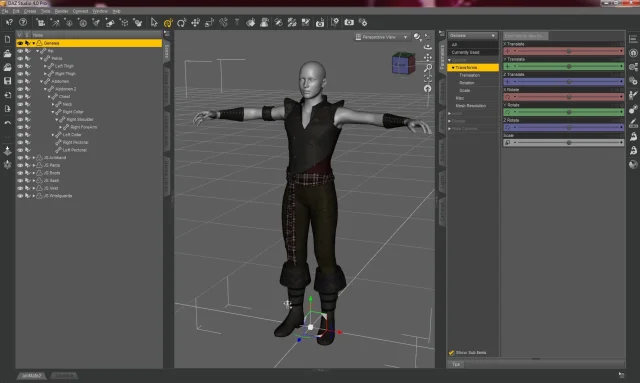
Basic aspects of the Daz Studio interface - #1

Creating a Game Character Using Blender
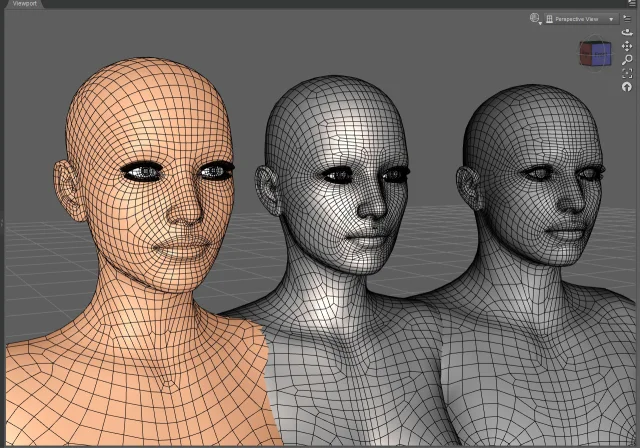
Working with 3D Scans in DAZ Studio and Poser: A Detailed Guide to Importing and Using Real-World Scans
Texture Booster
Comments (0)