
Jeweled Oni Mask for Genesis 9, 8.1, 8, and 3

The Oni Mask has seen a consistent design throughout the centuries, until now. Although the Oni demon is infamous for its evil intent as depicted by Japan's rich culture, it is also known for bringing fortune and wealth. That interesting contrast within the malignant Oni is what inspired me to design an Oni Mask like no other.
The horns represent the scorn of the Oni while the intricate ornamental gold details and diamonds show fortune and wealth. I have also added my touch to the Jeweled Oni Mask by adding various rigged components. The Horns area can be lifted, while the mask splits into two pieces comprised of right and left partitions. Add in four uniquely detailed rows of links and crystals and you have another Elaborate 3D prop created in great detail by yours truly.
Every single component is UV mapped even though the Jeweled Oni Mask comes to life in renders exclusively via shaders. The mask is another original design I created solely in ZBrush ensuring optimal topology that is beautiful from any angle making it perfect for cinematic renders at any range.
The Jeweled Oni Mask is versatile and can be used to adorn Genesis 3 through 9 characters of any gender. There is also an adjustment dial for scaling the mask to fit any size head. Every single bone can be controlled via the scenes tab to pose the mask's rigged elements most realistically.
Home Page: https://www.daz3d.com/jeweled-oni-mask-for-genesis-9-81-8-and-3
Free Download Links:
Ctrl
Enter
Noticed a misTake
Highlight text and press Ctrl+EnterRelated news:

Secrets of Photorealistic Skin Rendering in DAZ Studio and Poser: Achieving the "Lifelike Skin" Effect with Modern Shaders
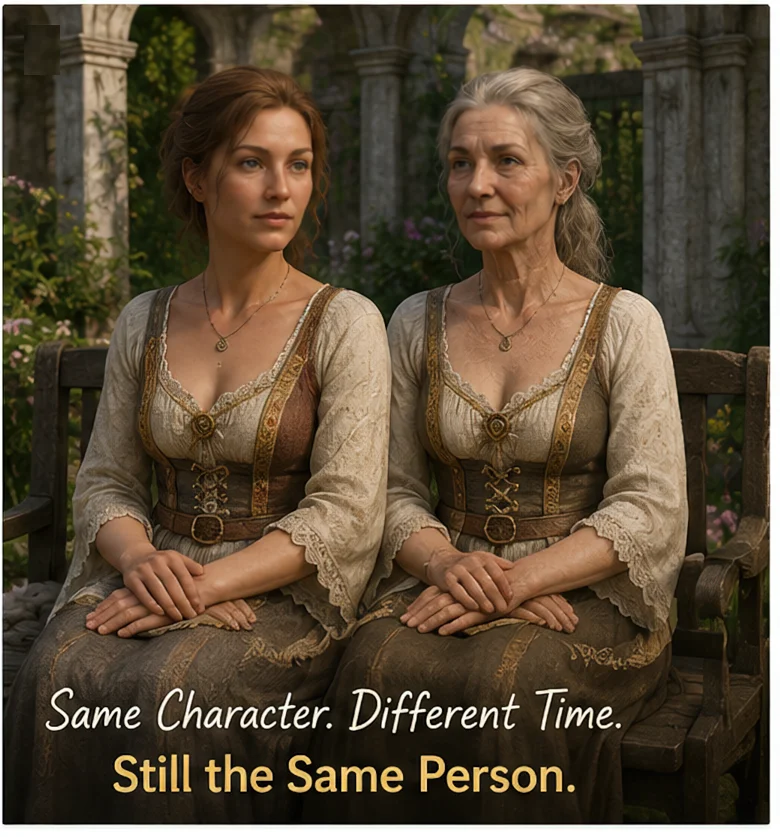
Can a Character Age Without Losing Their Identity? Building a Reversible Aging System in DAZ Studio

Creating Environments in DAZ Studio: How to Use HDRI and 3D Models to Build Atmospheric Scenes

Top Character Animation Tools in 2024
Creating and Adjusting Lighting for Atmospheric 3D Scenes in DAZ Studio and Poser
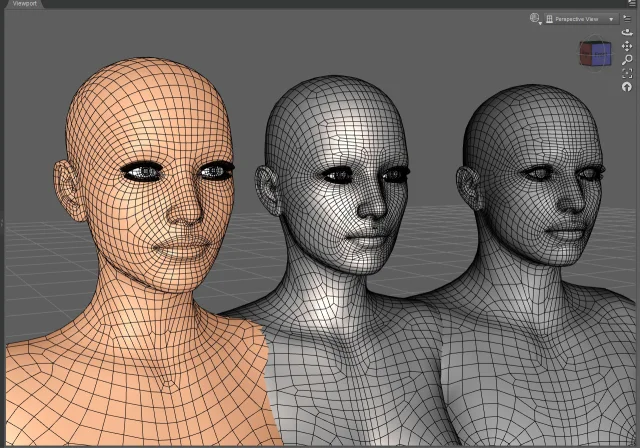
Working with 3D Scans in DAZ Studio and Poser: A Detailed Guide to Importing and Using Real-World Scans
Comments (0)