
Industrial Cargo Container Prop
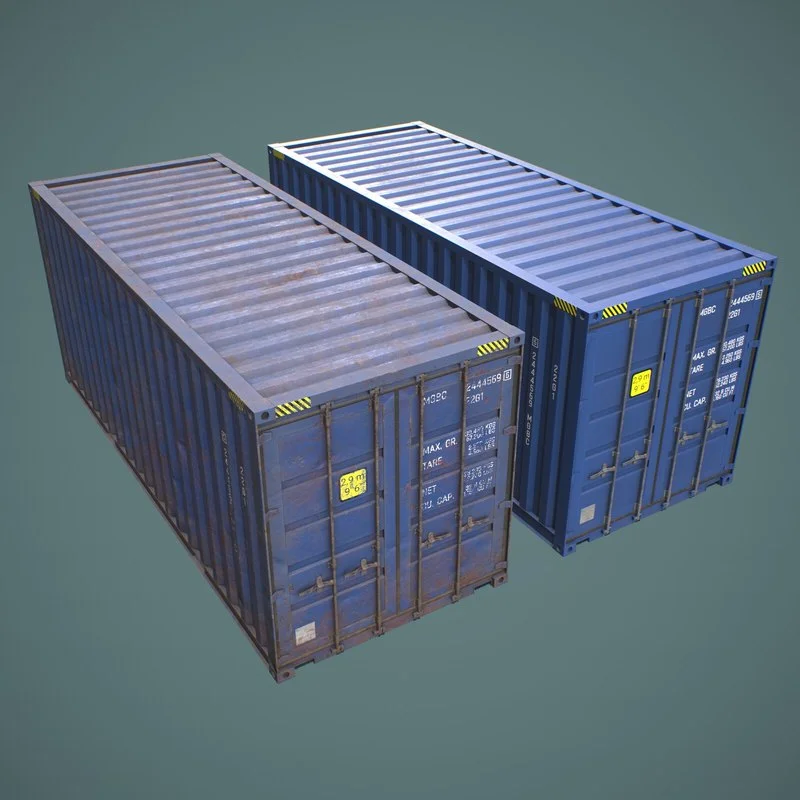
THE PRODUCT CONTAINS:
- Industrial Cargo Container Prop
ARCHIVE CONTAINS FORMATS:
\Props\YuriBarinov\Cargo
- Container_Prop.duf
- Container_RUST_Prop.duf
\Props\YuriBarinov\Cargo\Iray Materials
- Container_MAT.duf (material)
- Container_RUST_MAT.duf (material)
\Runtime\Textures\YuriBarinov\Cargo
- M_Contain_AO.png (textures)
- M_Contain_BaseColor.png (textures)
- M_Contain_Metalness.png (textures)
- M_Contain_Normal.png (textures)
- M_Contain_Roughness.png (textures)
\Runtime\Textures\YuriBarinov\Cargo\RUST
- M_Container_RUST_BaseColor.png (textures)
- M_Container_RUST_Metalness.png (textures)
- M_Container_RUST_Normal.png (textures)
- M_Container_RUST_Roughness.png (textures)
TEXTURES (4096 x 4096 .png):
- Set textures PBR (_BaseColor, _Metallic, _Normal, _Roughness)
COLOR VARIATIONS:
The archive contains 2 color variations of the textures. All of them are presented in the preview.
INSTALLATION INSTRUCTIONS:
- Download and upload model to the scene.
- Apply the desired color of the material.
Creative success to you!
SYSTEM REQUIREMENTS:
Daz Studio v4
Home Page: https://www.renderosity.com/marketplace/products/172308/industrial-cargo-container-prop
Free Download Links:

Ctrl
Enter
Noticed a misTake
Highlight text and press Ctrl+EnterRelated news:
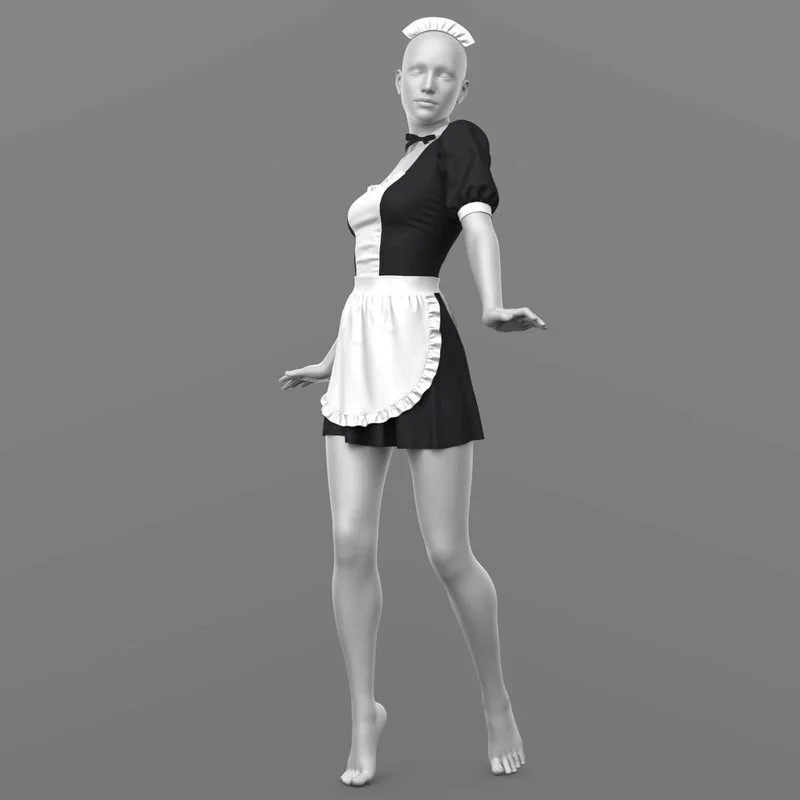
Maid Outfit G8 Female

Ear Defenders G9

Sleep Mask G8 Female

Integration of DAZ Studio and Poser with Other 3D Packages: Discussion of Import and Export Processes and Techniques
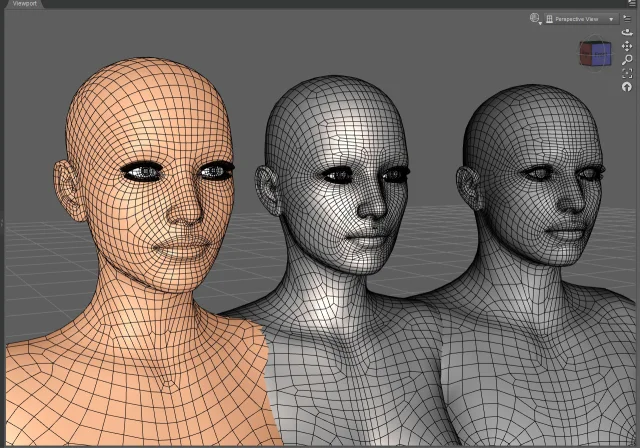
Working with 3D Scans in DAZ Studio and Poser: A Detailed Guide to Importing and Using Real-World Scans
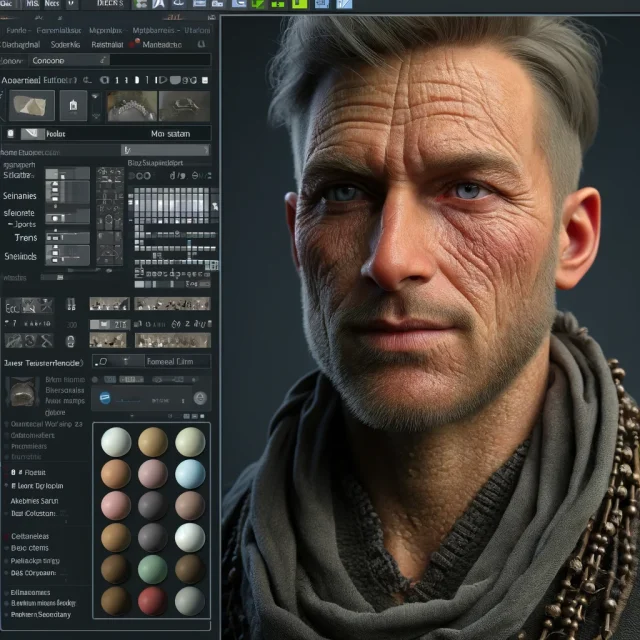
Advanced Texturing Techniques in DAZ Studio and Poser
Comments (0)