
Ear Defenders G9
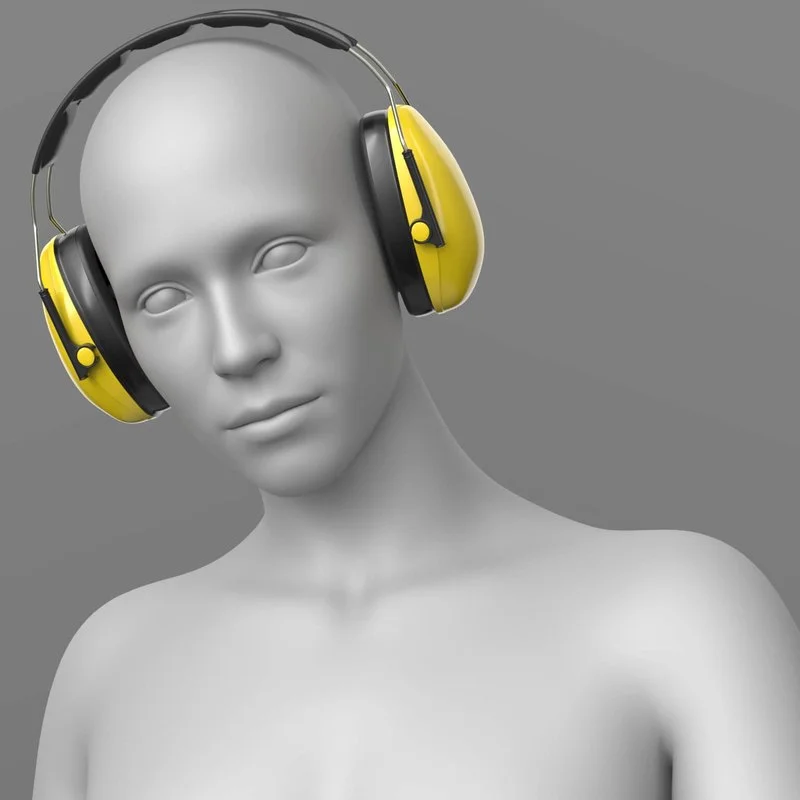
PRODUCT NAME:
Ear Defenders
THE PRODUCT CONTAINS:
- Ear Defenders for Genesis 9
ARCHIVE CONTAINS FORMATS:
- Ear_Defenders.duf (model)
- Ear_Defenders_MAT.duf (material 2 options)
- PNG (textures)
TEXTURES (4096 x 4096 .png):
- Set textures PBR (_AO, _BaseColor, _Height, _Metallic, _Normal, _Roughness, _Mask)
COLOR VARIATIONS:
The archive contains 2 options variations of the textures. All of them are presented in the preview.
- Yellow
- Your color via mask
If necessary, you can easily change the color of the model by changing it in the textures _BaseColor or apply a shade to the _BaseColor texture in the DAZ program settings.
INSTRUCTION MANUAL:
Download the Genesis 9 avatar and upload model to the scene.
Apply the desired color of the material.
Creative success to you!
NOTE :
- You can position and scale the model Ear Defenders
- For the model, a morph has been set up that allows you to place the headphones around the neck.
- For the model, a material has been set up that allows you to change the original yellow color to any other color you need (preview screenshot). Just apply the shade you need in the color settings. Please note, in the workspace only the Base Color is visualized.
Home Page: https://www.renderhub.com/elena-sh/ear-defenders-g9
Free Download Links:

Ctrl
Enter
Noticed a misTake
Highlight text and press Ctrl+EnterRelated news:
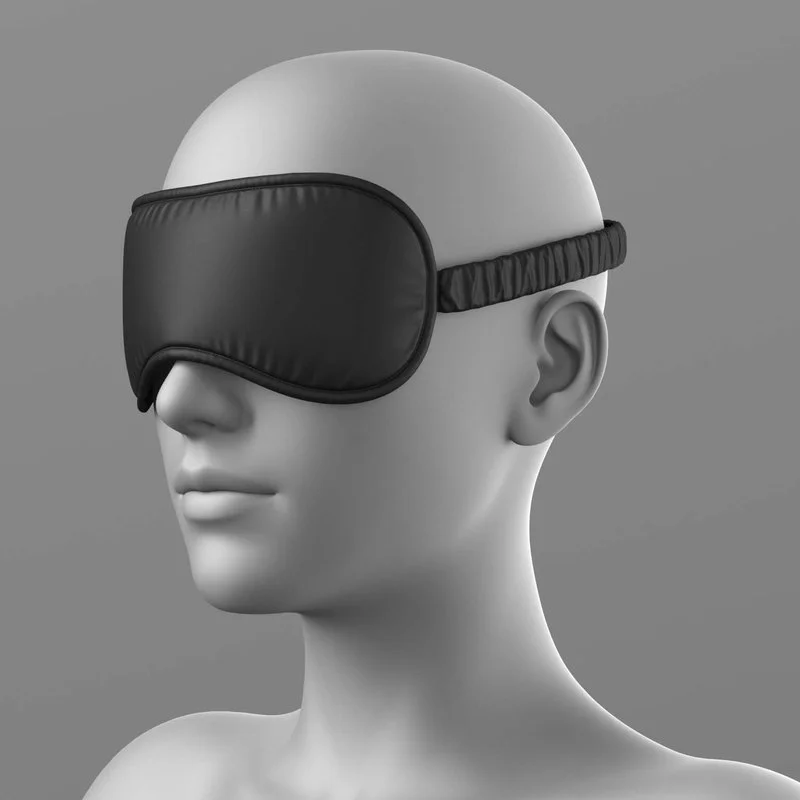
Sleep Mask G8 Female

Integration of DAZ Studio and Poser with Other 3D Packages: Discussion of Import and Export Processes and Techniques
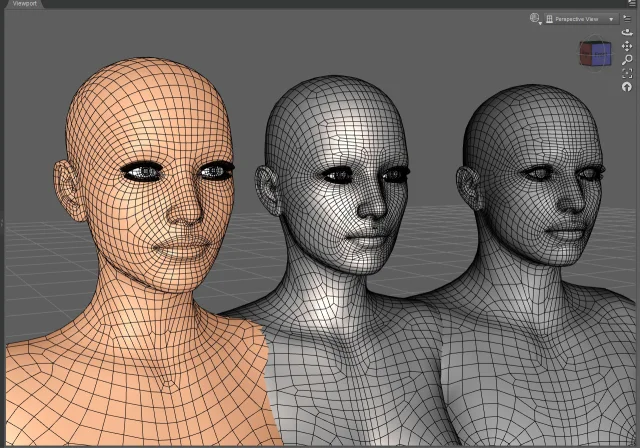
Working with 3D Scans in DAZ Studio and Poser: A Detailed Guide to Importing and Using Real-World Scans
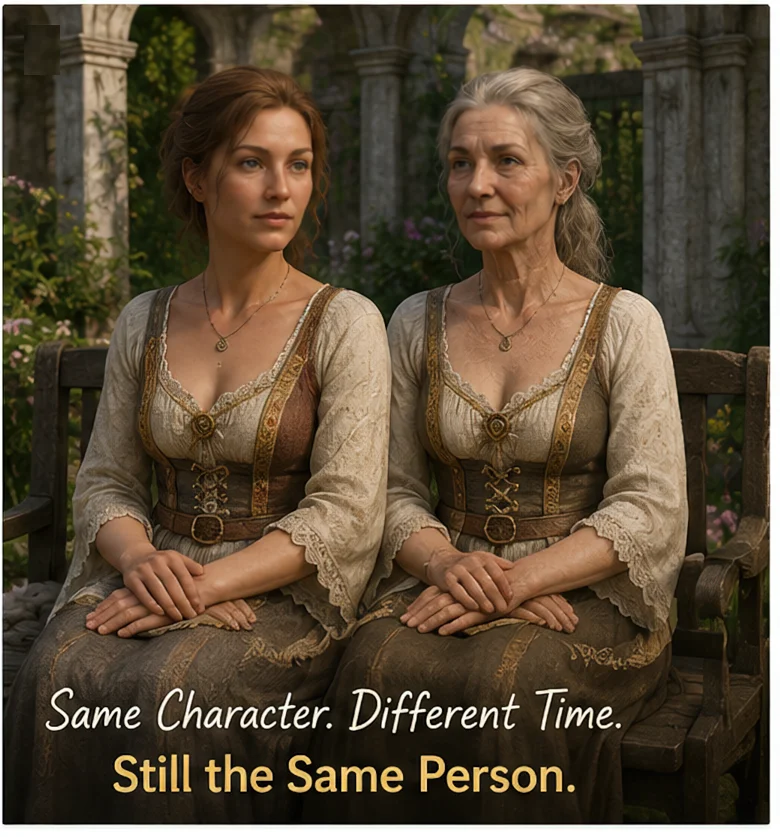
Can a Character Age Without Losing Their Identity? Building a Reversible Aging System in DAZ Studio

Classic Wireless Headphones for Genesis 8 and 8.1 Female and Males
Creating and Adjusting Lighting for Atmospheric 3D Scenes in DAZ Studio and Poser
Comments (0)